I spent a lot of time this Saturday getting my music collection ready. It was quite an experience! I'll first layout the notable highlights of the experience that I somehow seemed to enjoy a lot till I finally got tired!
- Load up my Gaana+ account with the app on the android phone
- Stick in a USB OTG drive (32 GB, USB 3.0)
- Downloaded approx 5.0 GB of music onto my phone
- Transferred the music to the USB with the EZ app
- Loaded up the music from Gaana seamlessly on my iPod 3G 80GB (yeah! those things existed a while back!)
Now to the fun part, I don't particular like the iTunes experience, so spent time figuring out alternatives!
I found the following alternatives to iTunes:
- Wondershare TunesGo - Commercial product, ok ish .. not particularly thrilled
- Clementine Music Player - Good product. Less design appeal
- MOC - music on console | console audio player for Linux/UNIX ... didn't explore this much. But it basically plays music off the terminal
- also checkout how to install the MOC command-line music player on OS X.
- Kodi | Open Source Home Theater Software - Now this is a rock star! I'll cover more on this later ... but this Media Center is just awesome!
As I went about exploring this, I noticed something cool. iPod 3G exposes itself as a mounted volume on my Mac running El Capitan. I could just simply browse through the iPod filesystem (using show hidden files) and see all my music neatly arranged as mp3 files. Cool! :-)
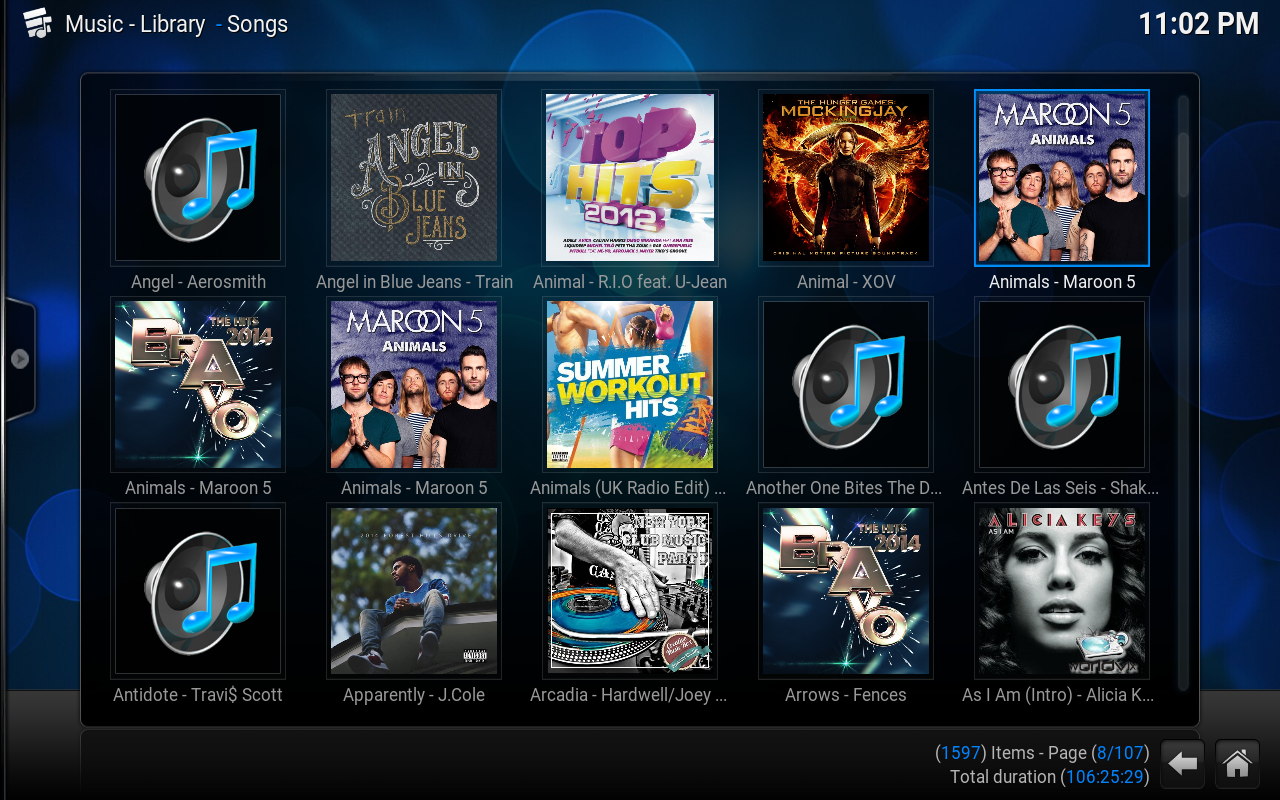
Then, I simply loaded up the directory in Kodi and I have a super looking touch based media center running on my Mac!
Next, looking forward to putting together my Media Center on a Raspberry Pi 3 when I get hold of it!
Till then, here is how my Kodi on OS X looks like! Just thrilling!
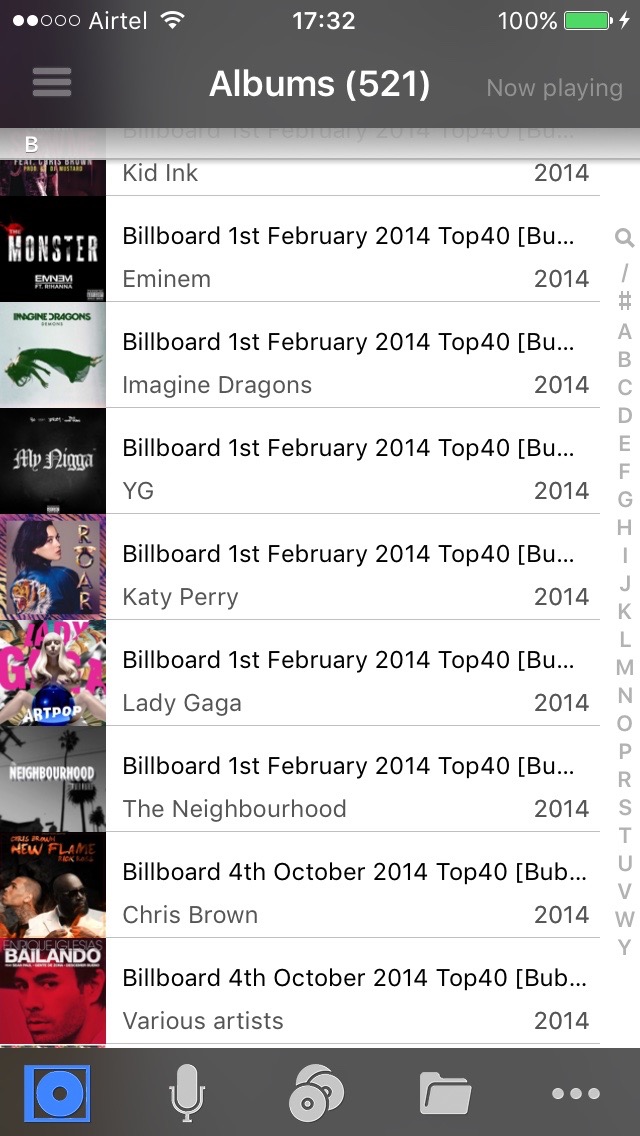
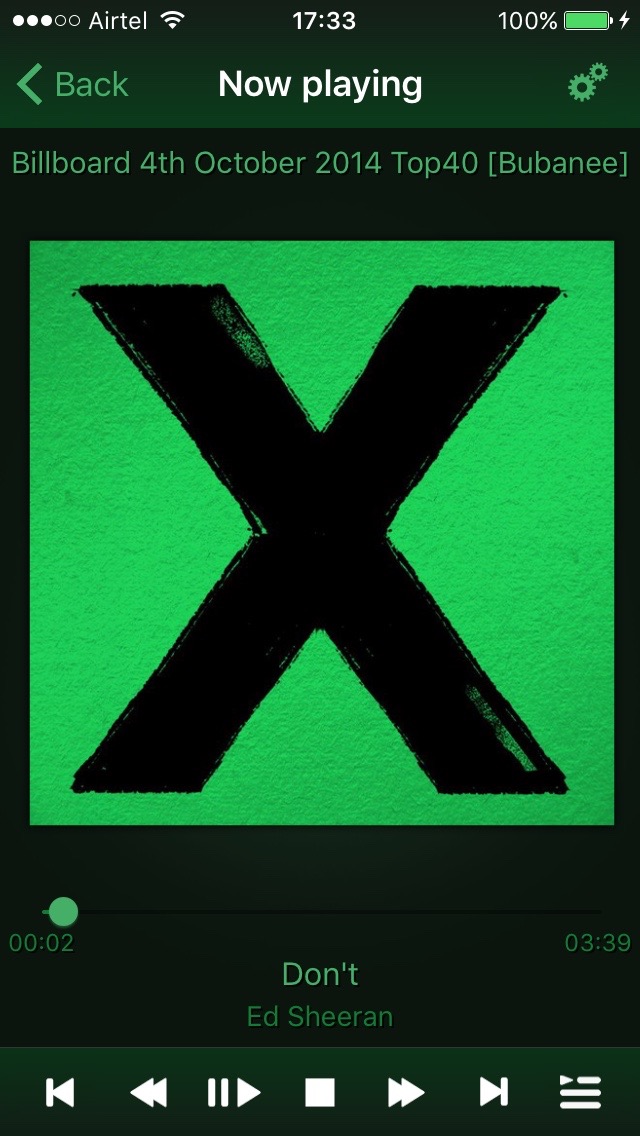
Now, here is the cool part. You can create a remote control using Kodi Remote from your iPhone to the Kodi Media Center. And THAT means, that you can remote control the entire app from your iPhone! Simply awesome! I can control Kodi running on my Macbook right now! Can't wait to setup my RasPi!